
AI Chatbot Systems
AI chatbot development for lead capture and handover
We build AI chatbot systems for business websites that answer common questions, collect useful lead context and route visitors to the right next step. Every flow needs approved knowledge, safe boundaries and a clear human handover route.
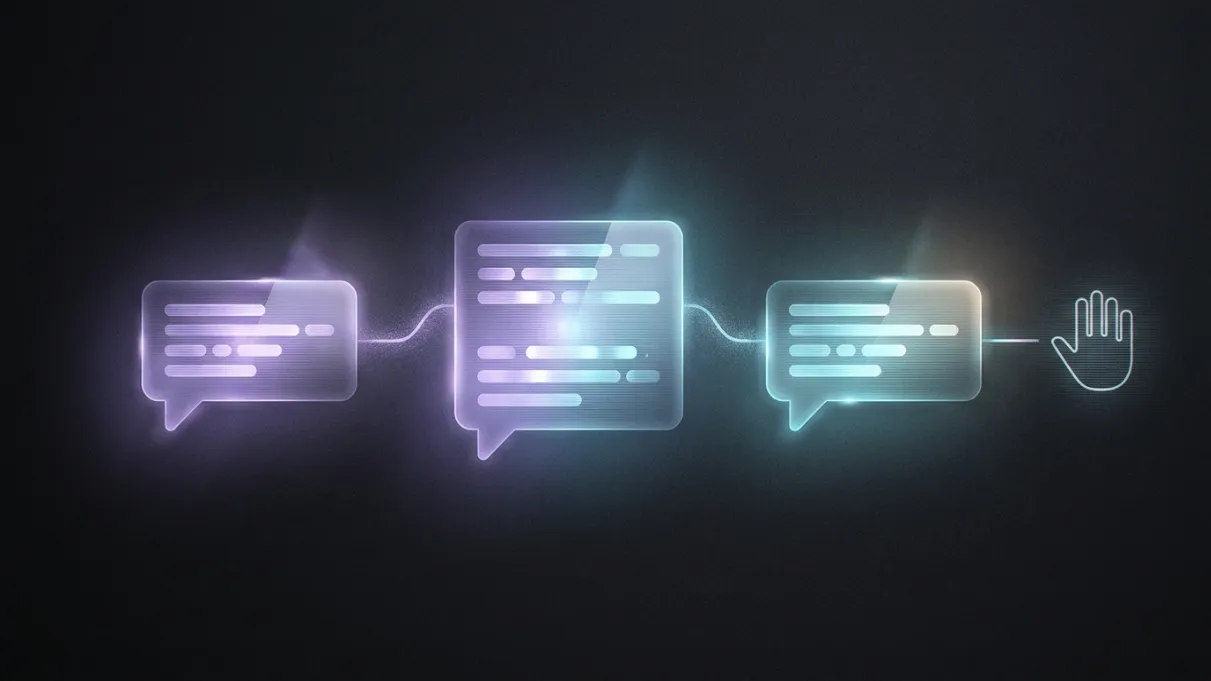
The useful part is knowing when AI should stop.
Can you help with my enquiry?
Yes. I can answer common questions and collect the details your team needs.
I need to speak to someone about a custom project.
Human handover
The right person gets the conversation with context attached.
When it helps
Common reasons businesses come to us.
- Website visitors leave before speaking to anyone
- The same questions keep taking time away from the business
- Leads arrive with too little detail to respond properly
- Customers need routing to the right service, booking route or contact point
- Support messages are scattered across forms, inboxes and social channels
- The business wants AI help without making unsupported claims or losing human control
What we do
What does an AI chatbot for a business website do?
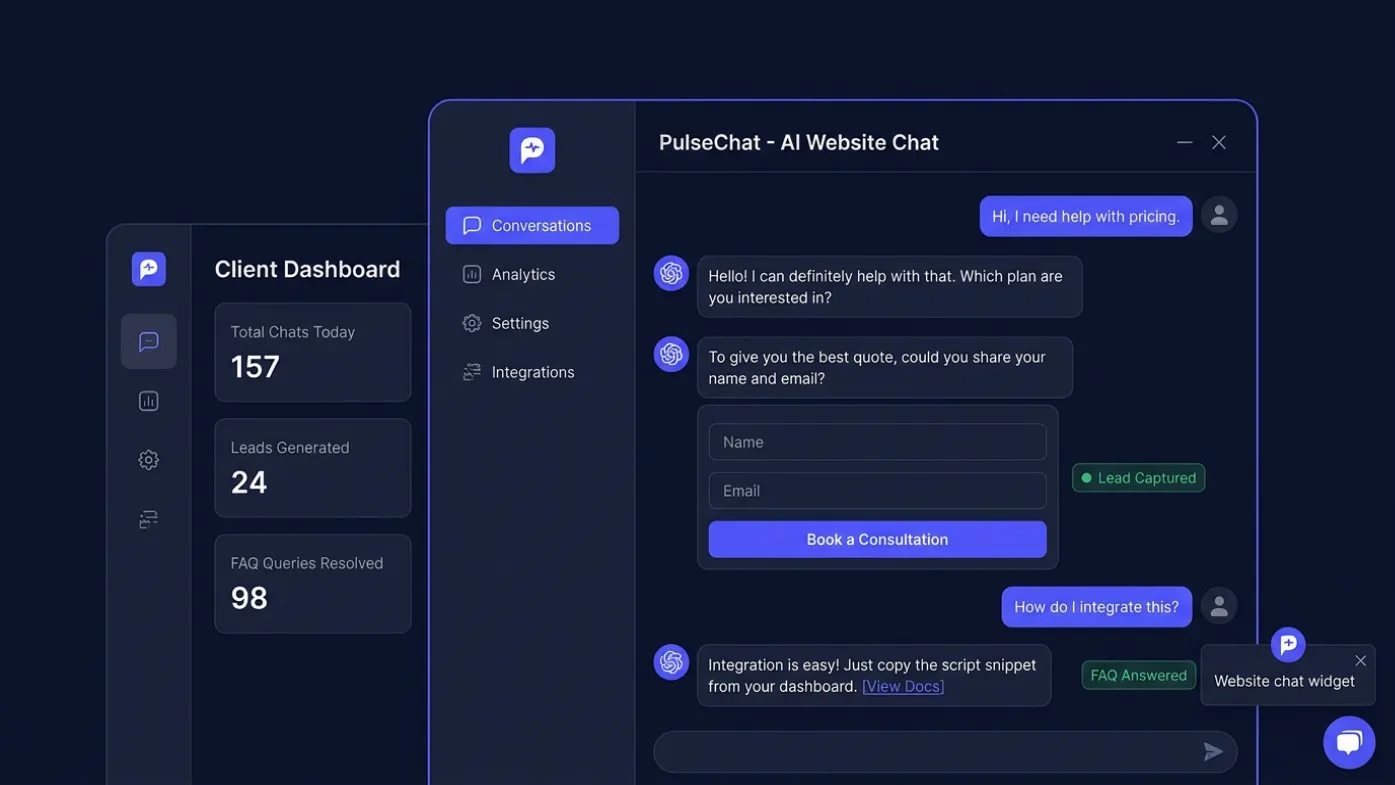
A business AI chatbot can answer approved questions, qualify enquiries, collect contact details and route visitors to a booking, quote or support channel. It should use defined knowledge, safe fallbacks and tested handover rules rather than trying to answer everything.
- Website AI chatbot planning and conversation design
- Business-specific FAQ and service answer flows
- Lead capture forms inside the chat journey
- Booking, quote and enquiry triage routes
- Human handover prompts and escalation logic
- Chat widget styling that matches the website brand
Process
From first conversation to launch.
- 01Define the chatbot's job: answer, qualify, route, book or capture leads
- 02Map the common customer questions and the information the business needs back
- 03Design safe conversation paths, handover rules and fallback responses
- 04Style the chat widget so it feels native to the website and clear on mobile
- 05Test responses against real enquiries before launch
- 06Review conversation data and improve the system after it starts collecting leads
FAQs
Questions we are usually asked.
Will an AI chatbot replace human support?
No. For most small businesses, the chatbot should handle simple questions and collect context before a human follows up. The goal is faster triage and better enquiries, not removing the human relationship.
Can the chatbot capture leads?
Yes. A good website chatbot can ask for the right details such as name, email, service type, urgency, budget range and project context before sending the enquiry to the business.
Can it be trained around my services?
It can be configured around your service pages, FAQs, policies, booking rules and common objections. The safest approach is to define what the chatbot should answer and when it should hand over to a human.
Is an AI chatbot suitable for local businesses?
Yes, when the business receives repeated questions or needs cleaner enquiry details. It can work well for clinics, wellness spaces, trades, agencies, restaurants, SaaS products, property businesses and professional services.
How do you stop the chatbot giving poor answers?
The system needs clear boundaries, tested prompts, approved service information and sensible fallback responses. WebPulse focuses on practical answer quality and human handover rather than pretending AI is perfect.
Related services
Have a project in mind?
Tell us what is not working, what you want to improve and what a successful result would look like.