
App Development London
App development in London for repeat customers
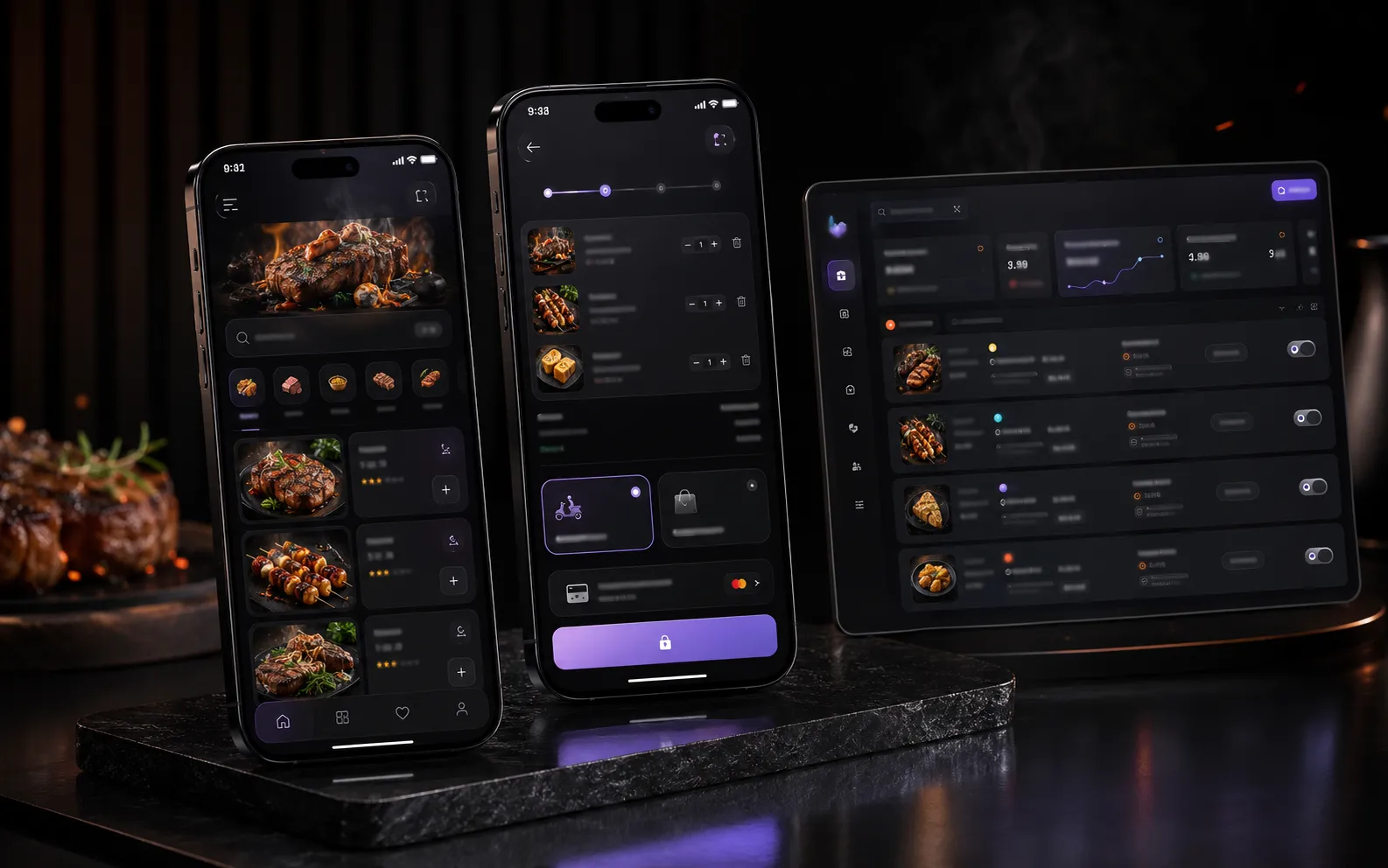
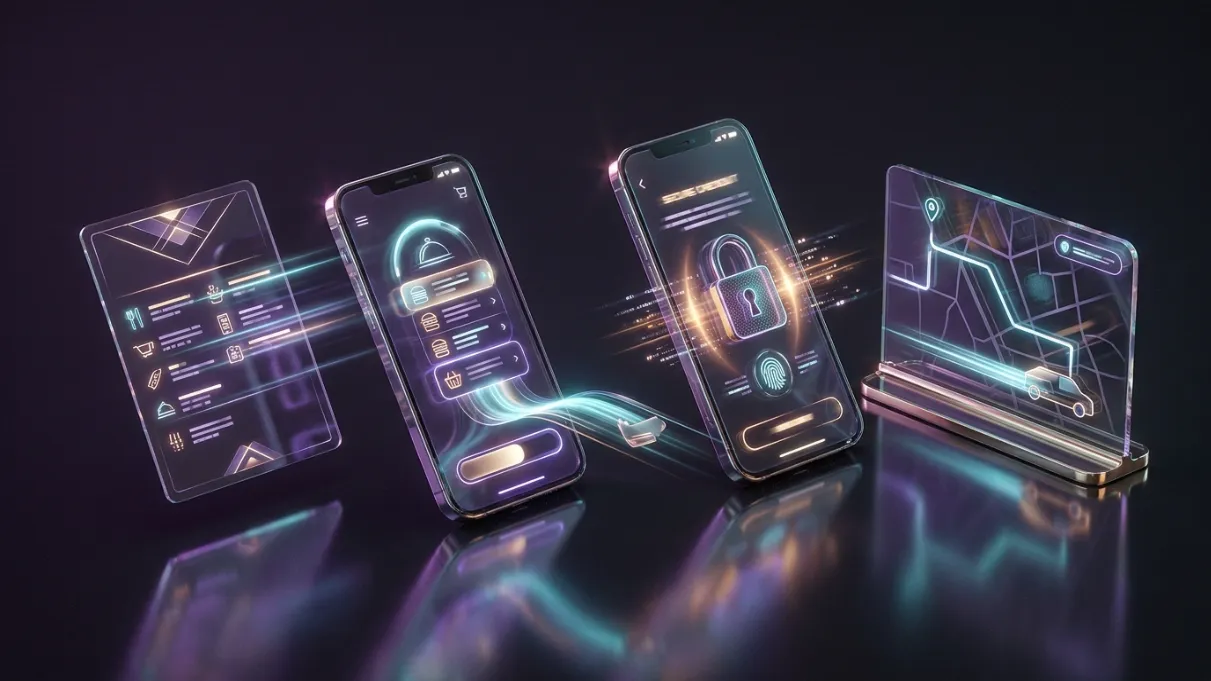
We build iOS and Android app experiences for businesses where customers need to order, book, pay, check progress or come back regularly. The first version starts with one useful customer action, then the screens, backend flow and launch route are planned around it.

The phone stays. The journey changes.
When it helps
Common reasons businesses come to us.
- Customers rely on third-party platforms instead of ordering or booking directly
- Mobile journeys feel slow, confusing or too dependent on manual messages
- Orders, bookings or account actions are spread across too many tools
- The business has repeat customers but no dedicated mobile experience
- The checkout, collection, delivery or booking route needs clearer steps
- You need an app-store-ready product but the MVP scope is unclear
What we do
What does an app development project include?
An app project can include product discovery, MVP scoping, user-flow planning, interface design, iOS and Android development, backend workflows, testing and app-store preparation. We start with one valuable repeat action before adding extra features.
- iOS and Android app design and development
- Restaurant and takeaway ordering apps
- Booking and appointment app journeys
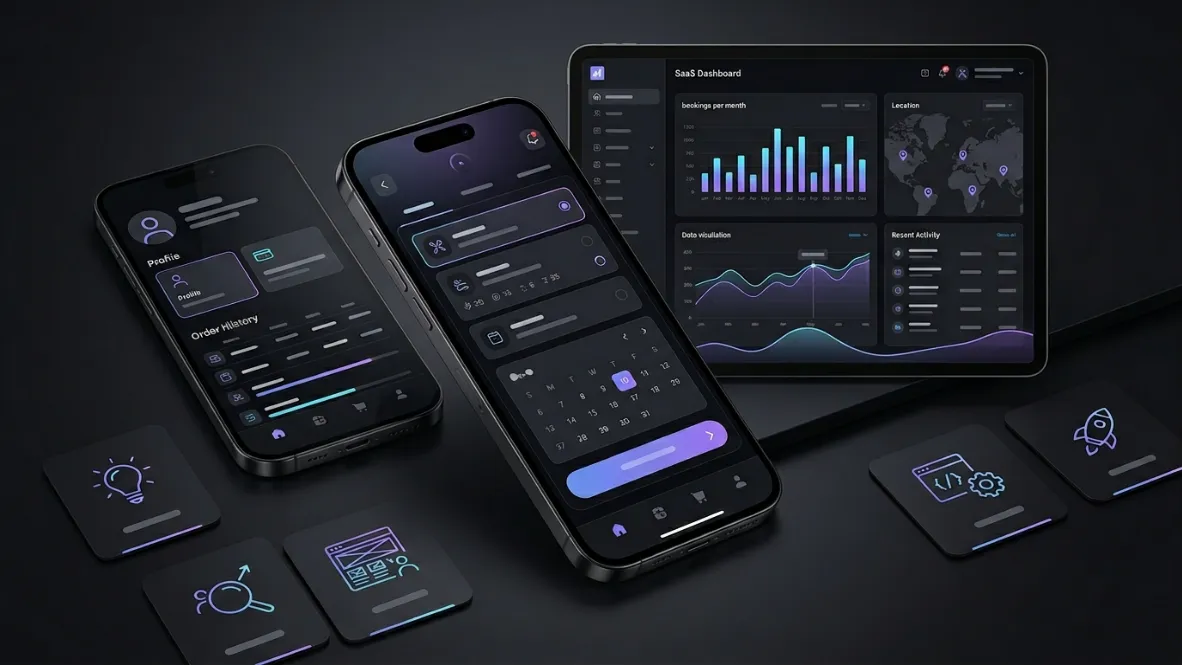
- Customer account and profile screens
- Basket, checkout, payment and order-status flows
- Delivery and collection journey planning
Process
From first conversation to launch.
- 01Decide whether an app is the right product or whether a mobile-first website should come first
- 02Define the first useful app version around one main customer action
- 03Map the screens, data flow, checkout, booking or account journey
- 04Design the mobile interface with clear states, empty states and error handling
- 05Build the app flow and prepare the route for testing, launch and app-store submission
FAQs
Questions we are usually asked.
Does every business need a mobile app?
No. A mobile app is only worth building when it has a clear job and a reason for customers to return. For some businesses, a stronger mobile website is the better first move. WebPulse will challenge the idea before building so the project does not become an expensive vanity app.
Can WebPulse build apps for both iOS and Android?
Yes. WebPulse can plan and build cross-platform app experiences for iOS and Android, with launch preparation for the Apple App Store and Google Play where the product is ready for public release.
What types of businesses are best suited to an app?
Apps usually make sense for restaurants, takeaways, clinics, wellness spaces, booking-led businesses, delivery-led services, membership products and startups where users need to order, book, pay, check status or manage an account regularly.
Can the app connect to a dashboard or admin system?
Yes. Most useful apps need an admin layer behind them. WebPulse can plan customer screens, staff workflows, order management, booking management, data storage, notifications and backend foundations depending on the project scope.
Can you help shape the MVP before development starts?
Yes. App projects should start with the smallest useful version. WebPulse helps define the first release, remove unnecessary features and focus on the customer journey that proves whether the app is worth expanding.
Related services
Have a project in mind?
Tell us what is not working, what you want to improve and what a successful result would look like.