Restaurant Ordering Apps
Restaurant app development for direct orders and repeat customers
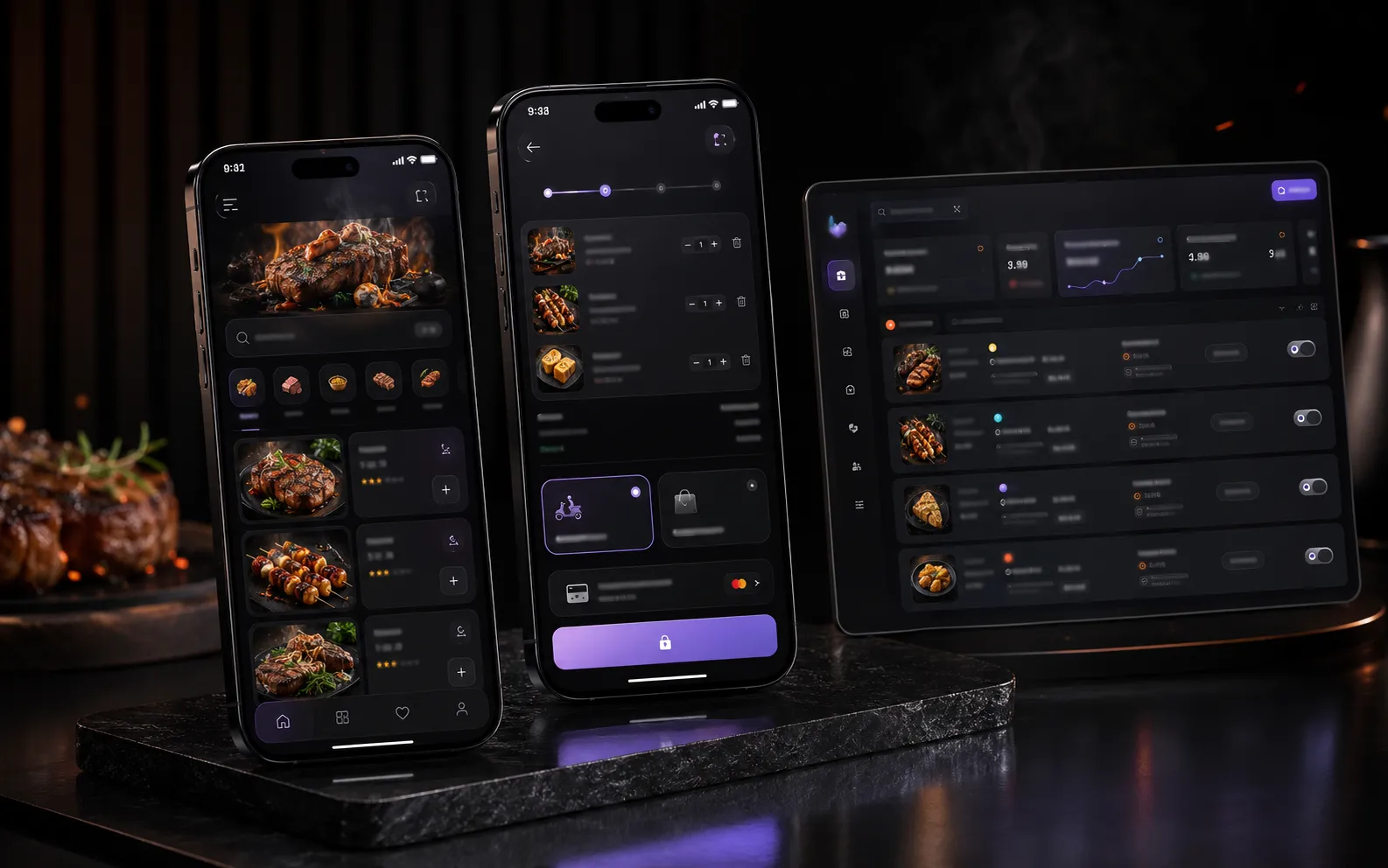
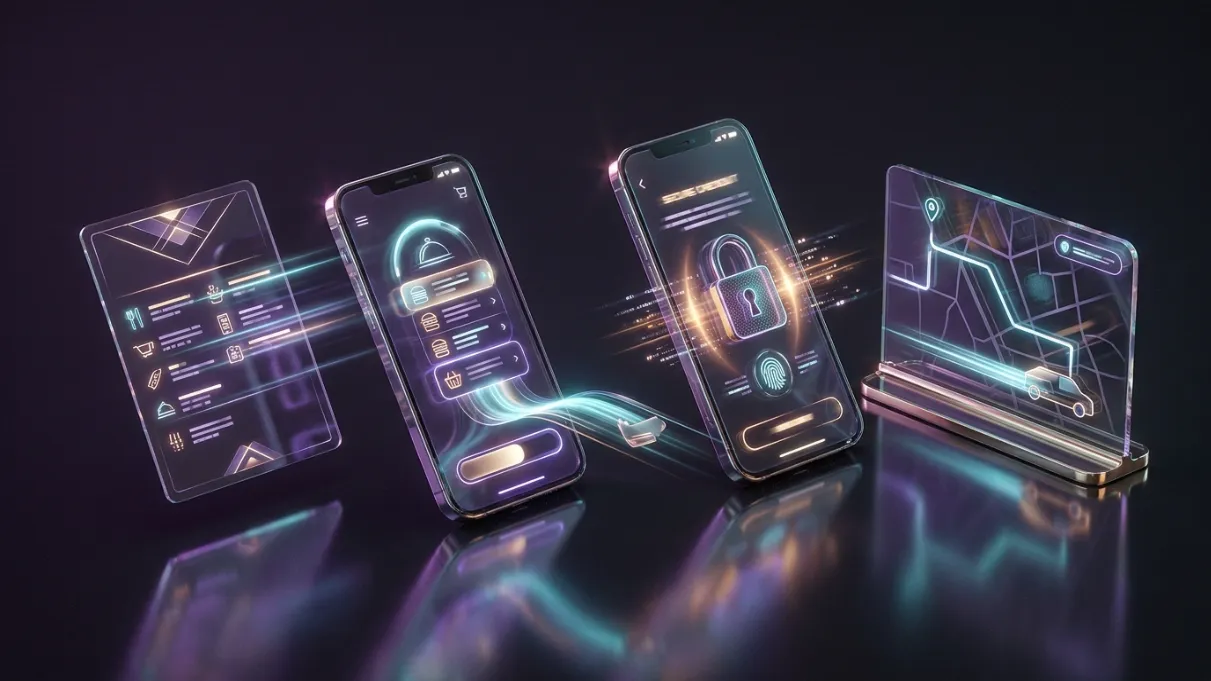
WebPulse builds direct ordering apps for restaurants, takeaways and food brands that want a customer channel under their own name. The journey covers menu browsing, item choices, basket, checkout, delivery or collection and order updates.

Straight answer
What does a restaurant ordering app include?
A restaurant ordering app can include a branded menu, item options, basket, checkout, payments, delivery and collection routes, order status and an admin workflow. It gives repeat customers a direct way to order, but still needs a clear launch and promotion plan.
Where this helps
Keep repeat ordering closer to your own brand.
A clear menu, basket, checkout and fulfilment journey can reduce marketplace dependency.
- Marketplace commission pressure makes repeat orders less profitable
- Customers have no simple direct ordering route under the restaurant's own brand
- Orders are handled manually through WhatsApp, calls or social messages
- The menu, options, basket and checkout flow feel messy on mobile
- Delivery and collection ask for the wrong details or create customer confusion

Real project context
Grain Grill shows the model in practice: a live ordering app with delivery and collection routes, direct payments, app-store presence and verified early usage data.
Likely scope
Build the smallest serious version first.
The final scope depends on the customer journey, operational requirements and what already exists. These are the areas most likely to matter.
- 01Restaurant and takeaway ordering app flows
- 02Mobile menu browsing with categories and item cards
- 03Item options, modifiers, extras and allergy-aware content planning
- 04Basket, checkout and payment-ready customer journeys
- 05Delivery and collection flows with different required details
- 06Order status screens and customer confirmation states
- 07Admin handover planning for orders, menu updates and fulfilment
How the work moves
Clear decisions before complex delivery.
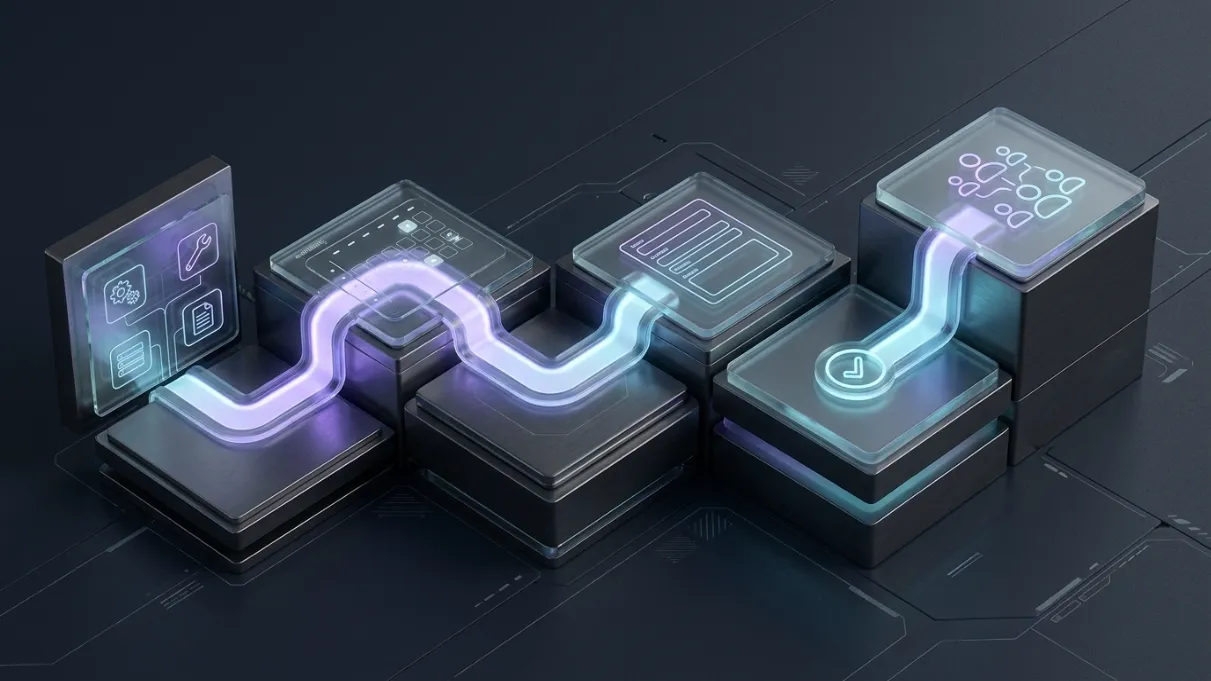
Strategy, interface work and technical delivery stay connected to the business outcome throughout the project.
- 01Audit the menu, order types, delivery radius, collection process and operational constraints
- 02Design the customer journey from menu browsing to basket, checkout and confirmation
- 03Separate delivery and collection so each route only asks for relevant details
- 04Plan the admin/order handover so staff can manage real orders reliably
- 05Build and test the mobile ordering experience across common device sizes
- 06Prepare launch assets, analytics and app-store readiness where required

Connected delivery
The visible interface is only one layer.
Content, data, admin, analytics, integrations and handover all influence whether the finished product remains useful after launch.
Questions
Clear answers before the project starts.
These are the questions businesses usually ask while comparing the service and deciding what to build first.
Is this only for restaurants?+
No. It can also fit seafood brands, meal prep companies, food trucks, caterers, dessert brands and niche food businesses that take repeat orders and want a direct customer channel.
Can the app support delivery and collection?+
Yes. Delivery and collection should be treated as different checkout journeys. Delivery needs address and postcode details; collection may only need customer name, phone number and collection timing depending on the business.
Can this reduce reliance on delivery marketplaces?+
It can help, but it does not replace marketing. A direct app gives customers a branded way to order again, while the restaurant still needs promotion, offers, QR codes, social content and in-store reminders to build repeat behaviour.
Can WebPulse build the admin side too?+
Yes. A proper ordering system needs more than customer screens. WebPulse can plan order management, menu control, status updates, fulfilment handover and analytics depending on the scope of the product.
Can the app go on the Apple App Store and Google Play?+
Yes, where the product is ready and meets platform requirements. WebPulse can prepare the build direction, app-store assets and launch pathway, but the app still needs proper testing, policies, business details and review preparation.
Related routes
App Development London
App development in London for iOS and Android. WebPulse scopes and builds focused MVPs for ordering, booking, payment and repeat customer journeys.
Explore service →
SaaS Development
SaaS development in London for focused MVPs, dashboards and client portals. Turn repeat workflows into secure, maintainable software with WebPulse.
Explore service →
Web Design London
Web design in London for businesses that need more enquiries. SEO-ready websites, clearer service pages, faster mobile UX and credible project proof.
Explore service →
Start with the real problem
Tell us what needs to work better.
A concise project outline is enough. We will help identify the smallest serious scope, key risks and the most useful next step.