
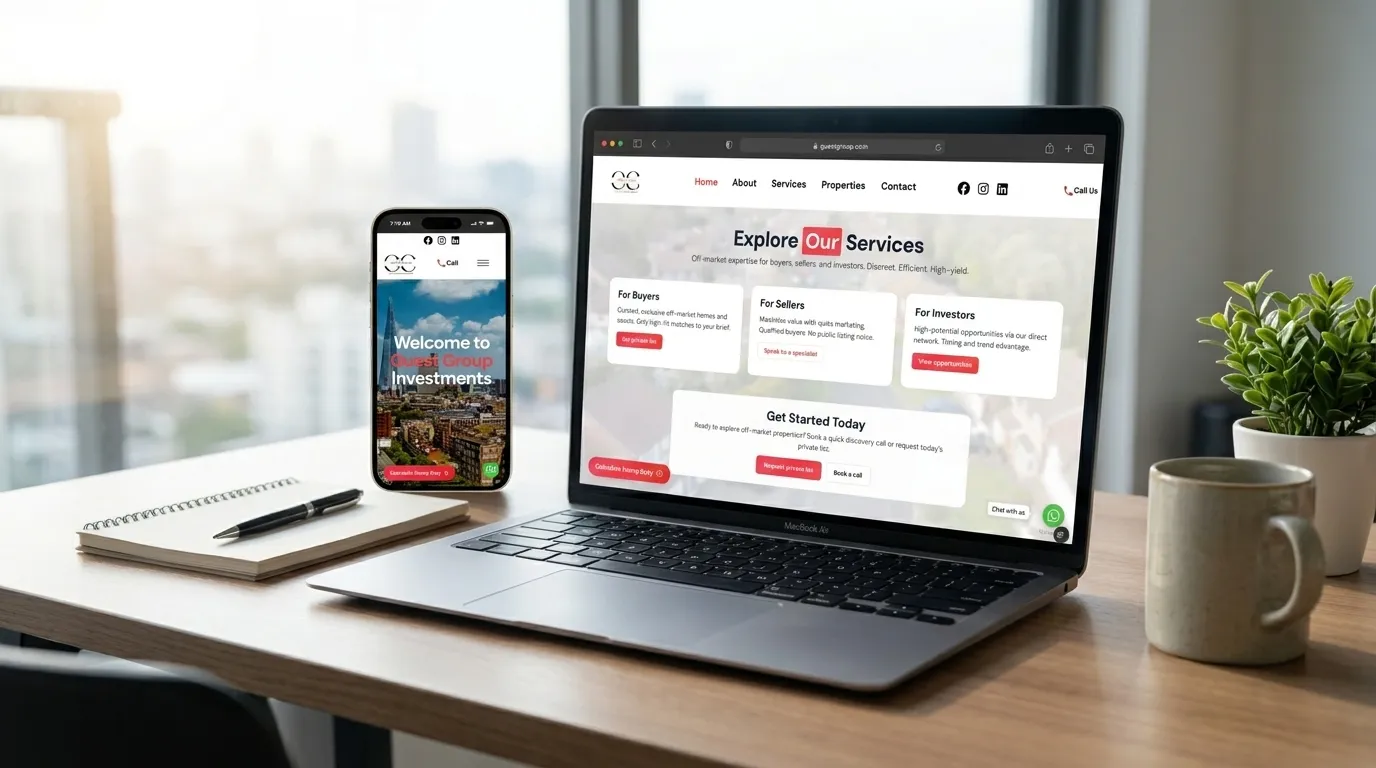
Customer experience
01 Listings
The public-facing product experience where customers browse, compare and take the next step.
Swipe to exploreScroll to exploreSaaS Development
We turn repeated manual work into focused software for founders and teams: SaaS MVPs, dashboards, client portals, listing systems and internal tools built around users, permissions and real operational workflows.
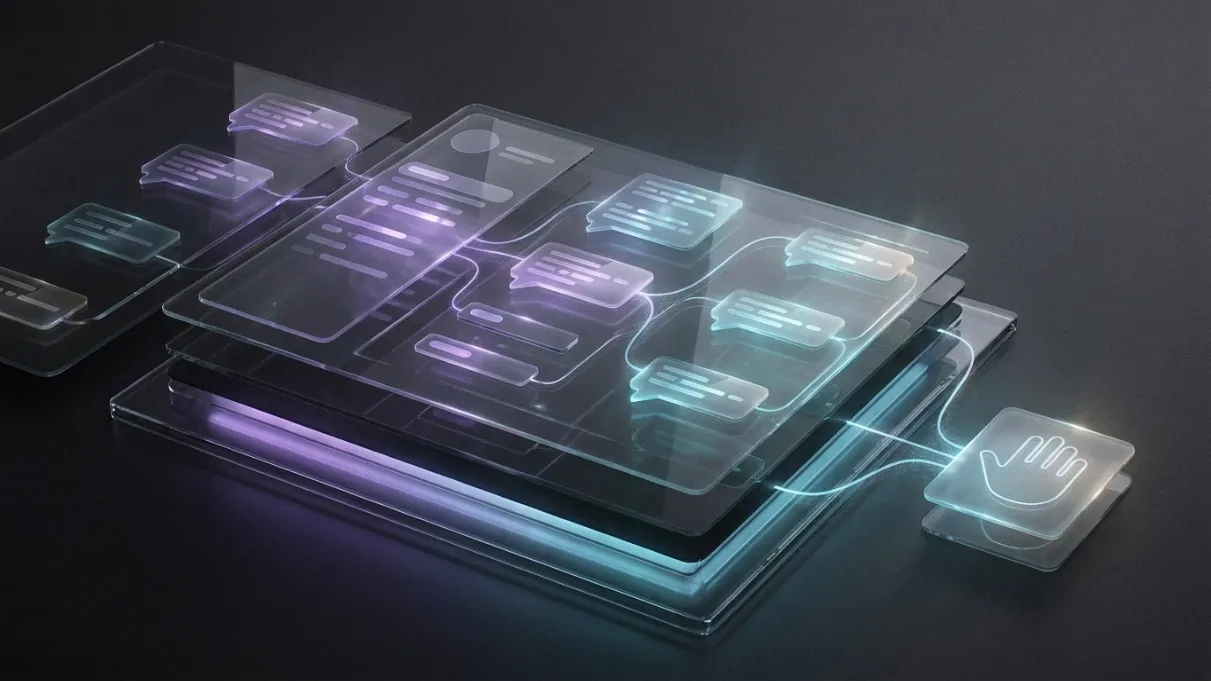
SaaS development
A SaaS product is more than a dashboard. These views show how the customer experience, operational tools and guided workflows connect as one product.
Customer experience
The public-facing product experience where customers browse, compare and take the next step.
Swipe to exploreScroll to explore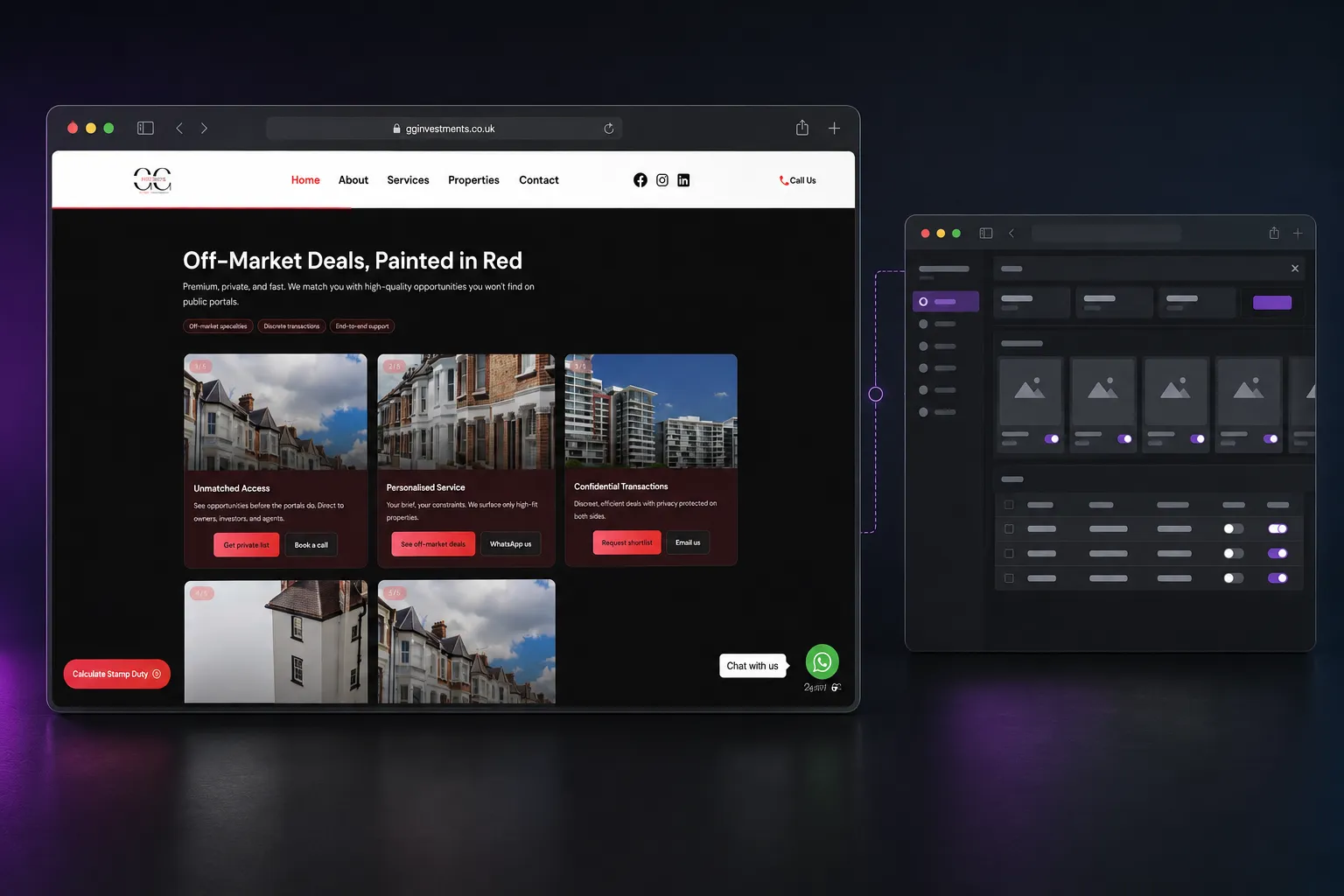
Operational control
The internal workspace where teams manage records, workflows and day-to-day product operations.
Swipe to exploreScroll to explore
Guided journeys
Structured customer journeys that turn complex steps into a clear, usable product experience.
Swipe to exploreScroll to exploreSwipe to view all three product layers
When it helps
What we do
SaaS development can include MVP scoping, role-based dashboards, authentication, database design, admin workflows, client portals, reporting and subscription-ready foundations. The build starts with the workflow that proves the product is useful.

Process
FAQs
Yes. Most SaaS ideas are too large at the start. WebPulse helps reduce the first version to the workflow that matters most, so the product can be tested without wasting budget on features that do not prove demand.
Yes. WebPulse can plan and build Supabase-backed product foundations including authentication, profiles, database tables, storage, role-aware views and admin workflows. The exact architecture depends on the data, permissions and risk level of the product.
Good fits include listing platforms, client portals, booking management tools, quote systems, internal dashboards, order management systems, property tools, charity operations systems and niche workflow products for service businesses.
WebPulse can plan SaaS products so subscription or payment logic can be added safely. For an early MVP, it is often better to prove the dashboard workflow first, then add billing once the product model is clearer.
The build should start with roles, data, permissions and the main workflow. Anything that does not support the first user outcome is delayed. That keeps the system easier to test, maintain and improve.
Related services
Tell us what is not working, what you want to improve and what a successful result would look like.